Steps for Using Single-Function and Multi-Function Hand Blenders
The hand blender is one of the most practical kitchen appliances, used for chopping, mashing, mixing, and preparing smoothies and everyday meals. Many users face questions when purchasing or using this device, such as How do I attach the different heads?, Why do ingredients splatter?, or What can be done with a multi-function hand blender?
In this article, we provide a comprehensive, step-by-step guide on how to use NASA Electric’s single-function and multi-function hand blenders, so you can achieve the best performance from your appliance.
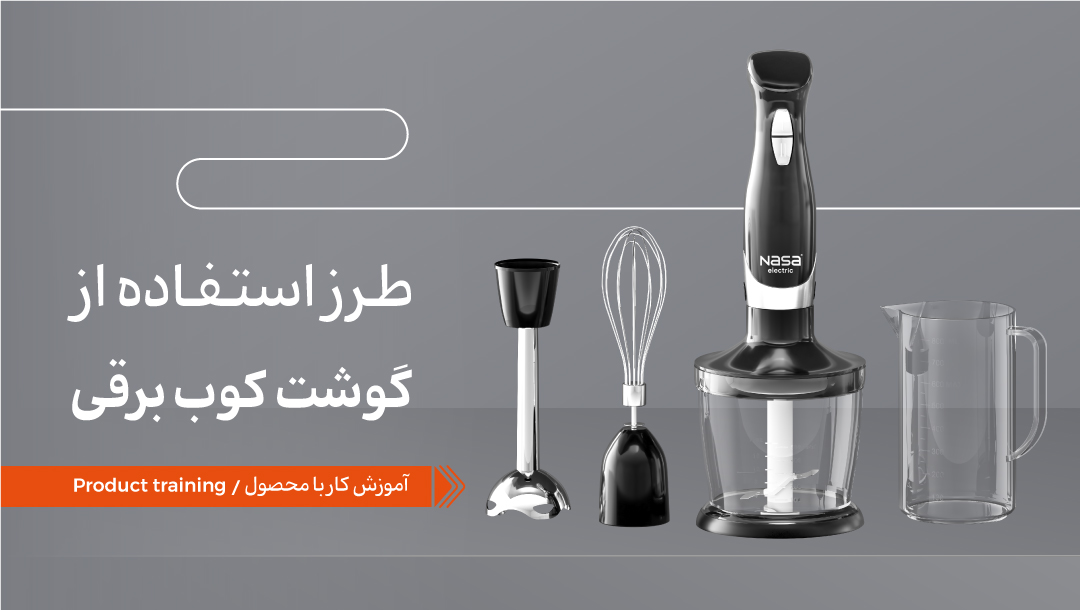
How to Attach the Attachments on a Multi-Function Hand Blender
In multi-function models, depending on the intended use, you can attach different heads such as the whisk, chopper, grater blades, food processor, and more to the motor. To install each attachment:
| 1 |
Place the desired attachment into the connection slot. |
| 2 |
Turn it clockwise until it locks securely in place. |
| 3 |
Ensure the attachment is firmly secured before turning on the device. |
This is an important point, as an incorrect attachment connection can cause vibration or improper operation of the device.
How to Attach the Shaft on a Single-Function Hand Blender
1. Attach the hand blender shaft to the motor and turn it clockwise.
2. Once it is locked in place, the device is ready for use.
3. Pour the ingredients into the designated container and hold the hand blender completely vertical inside the vessel.
4. Turn on the device at the desired speed (depending on the type of ingredients).
How many buttons are there on the body of the hand blender?
Usually, the body of a hand blender has 2 buttons. In some models, there are 2 speed control buttons, which allow you to start the device depending on the type of ingredient by pressing the corresponding button:
1. Power On/Off button
2. Speed control button
In this case, first turn on the device, and then select the speed according to the type of ingredient.
For example:
Low speed: soft ingredients such as eggs
Medium speed: purées
High speed: smoothies and chopping hard ingredients
How to Prevent Ingredients from Splattering؟
To prevent ingredients from splattering and to achieve a smooth, uniform texture, follow these tips:
Always use containers with greater depth.
Do not fill the container with more than two-thirds of the ingredients.
Place the shaft inside the container first, then turn on the hand blender.



نظرات کاربران