Comprehensive User Guide for NASA Electric Multi-Function Chopper
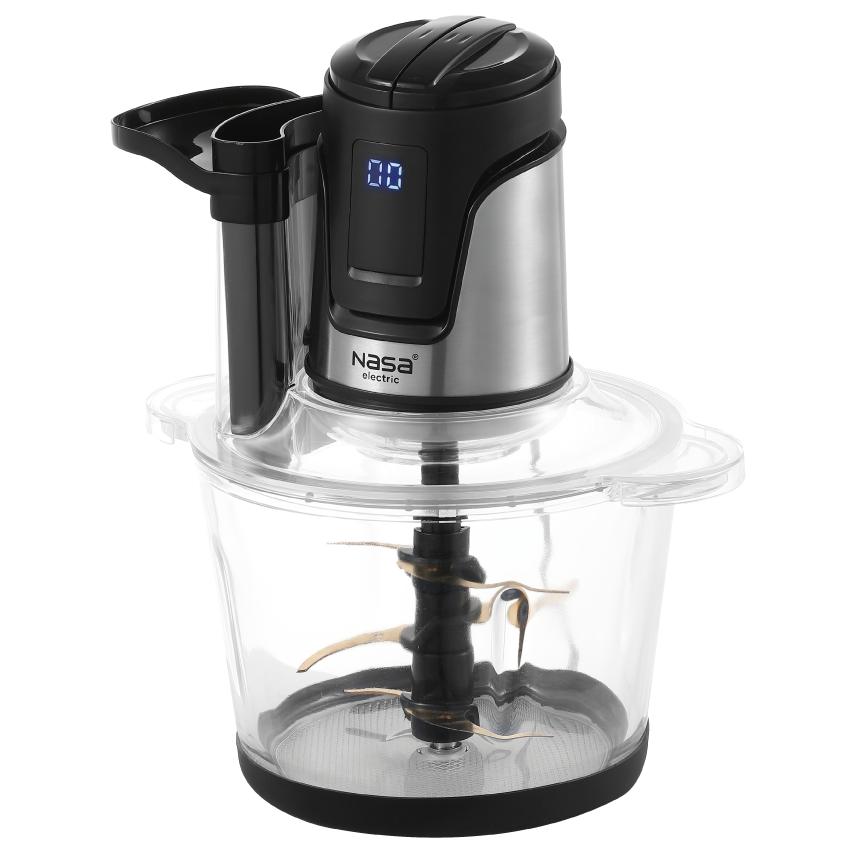
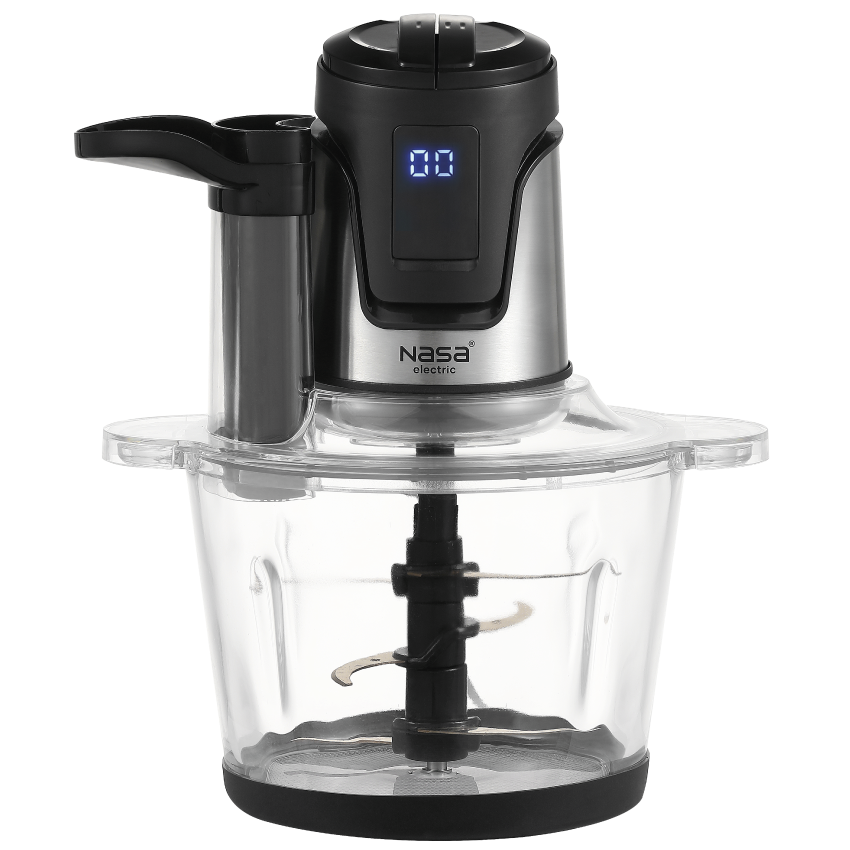
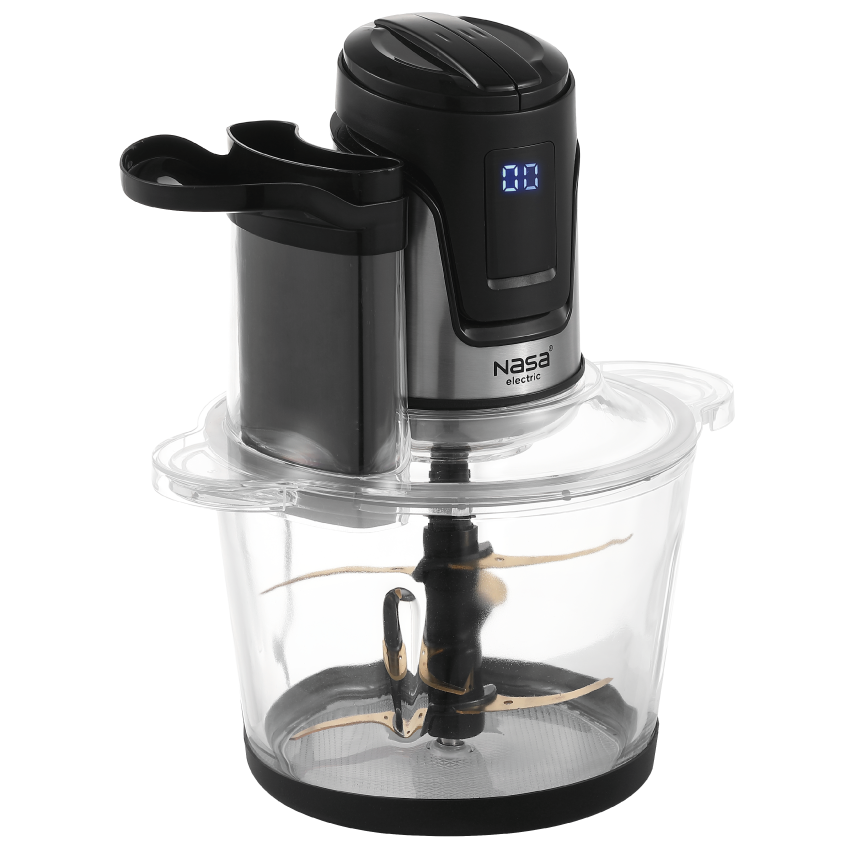
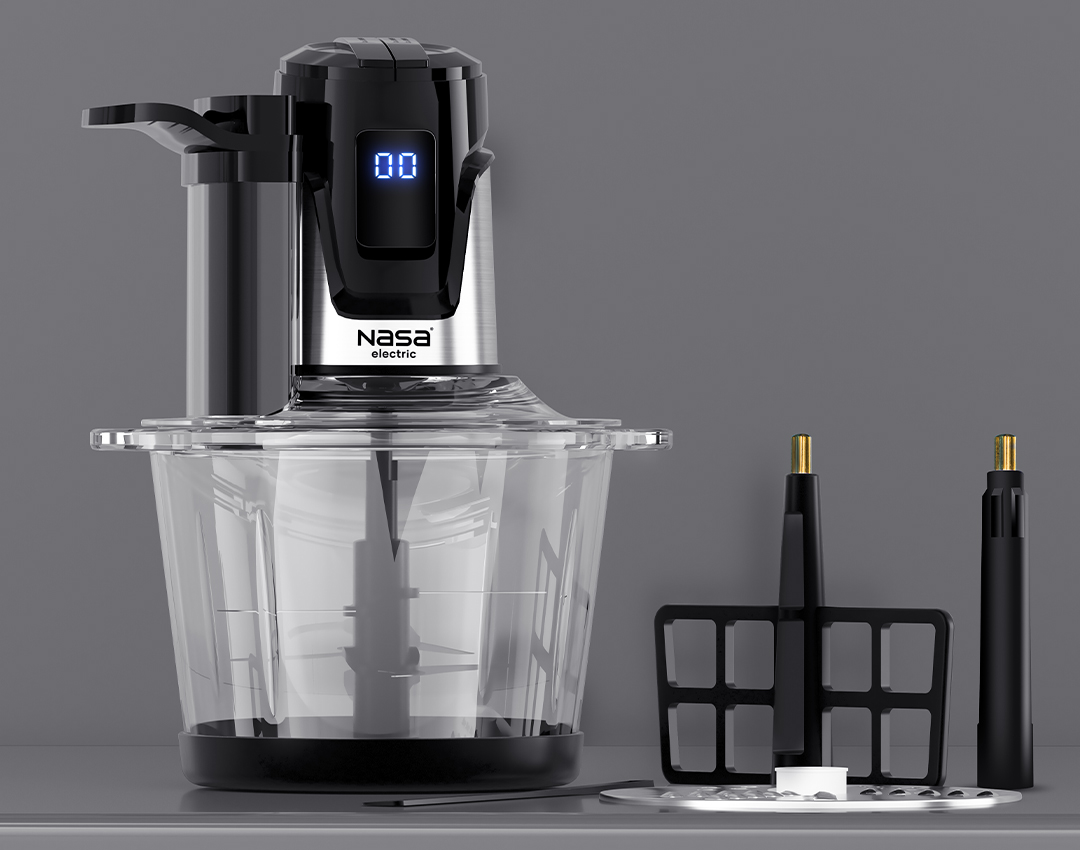
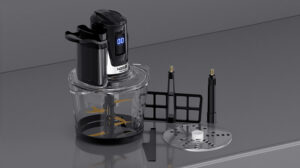
To achieve the best performance from the NASA Electric Multi-Function Chopper, proper installation and usage steps should be followed. First, place the silicone anti-slip pad under the glass bowl to keep it stable during operation.
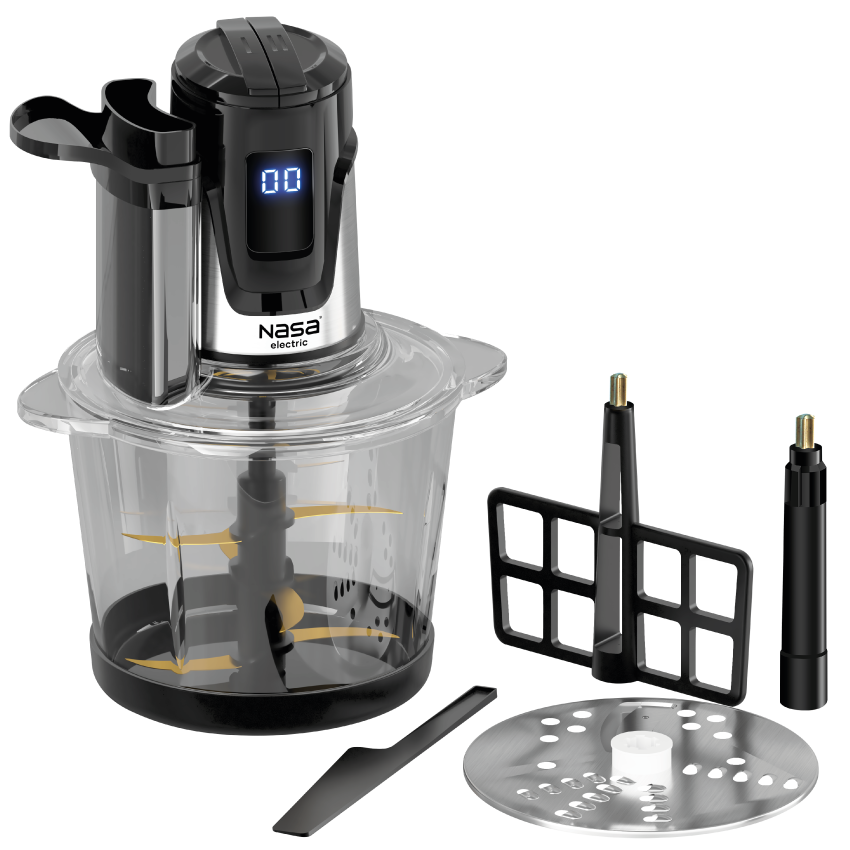
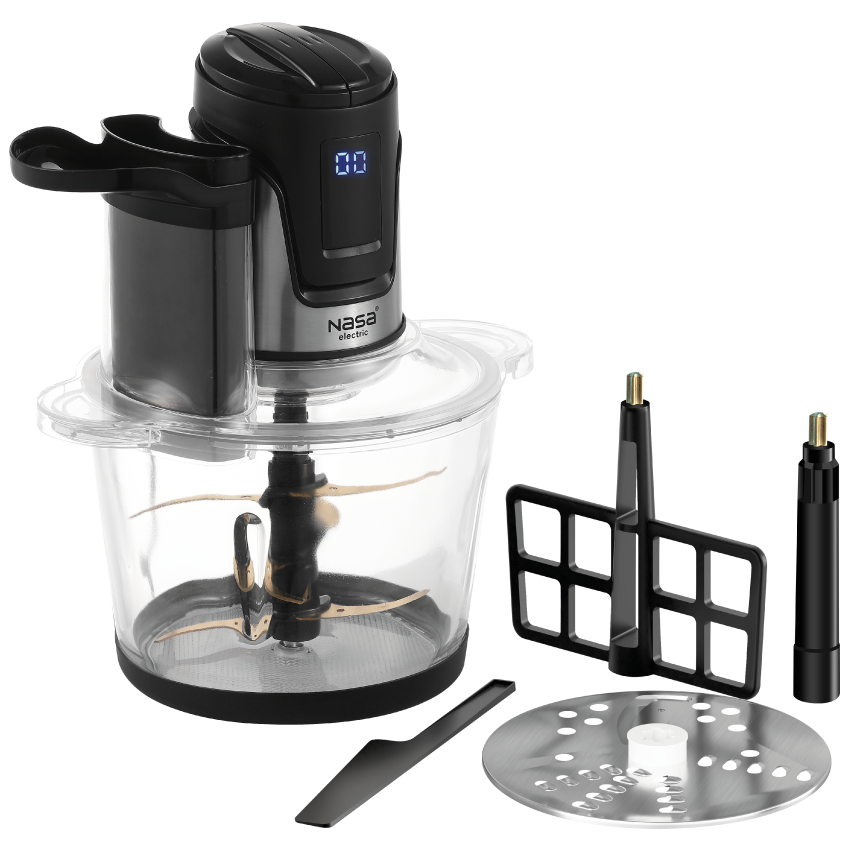
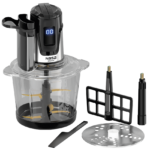
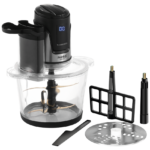
Install the required attachment according to the task, including the chopping blade, mixing attachment, or grating disc holder on the central shaft. Secure the lid with the silicone seal, and when using the grating function, correctly install the feeding tube and food pusher. Place the motor unit on the lid and align the grooves properly for safe operation.
Add ingredients according to the bowl capacity, connect the appliance to power, and select the appropriate speed level. Each operating cycle should be kept short, with enough rest time between uses to allow the motor to cool down.
For grating tasks, prepare ingredients in suitable sizes and guide them gently using the food pusher. After use, unplug the appliance, clean detachable parts with lukewarm water and mild detergent, and wipe the motor unit only with a damp cloth.
Ensure all parts are completely dry before storage and keep the appliance in a dry place away from moisture to maintain long-lasting performance.
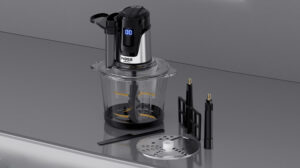
Warranty and After-Sales Service of NASA Electric NS-1937 Multi-Function Chopper
The NASA Electric NS-1937 Multi-Function Chopper is covered by a 24-month warranty and 5 years of official after-sales service, providing users with greater confidence and reliable support.
To activate the warranty and receive service details, send the product’s serial number or tracking code via SMS to 10008454. You can also contact the support center at 02145114 for further assistance.
If any issue occurs with the power cable or technical components, avoid personal repairs or part replacement, as this may cause further damage and affect warranty validity. Always contact NASA Electric’s official service center to ensure professional repairs using original parts.
Official after-sales support is designed to maintain optimal performance, extend the product lifespan, and provide a safe and reliable user experience.



نظرات کاربران