NASA Electric NS-1952 Coffee Grinder User Guide
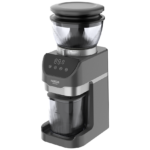
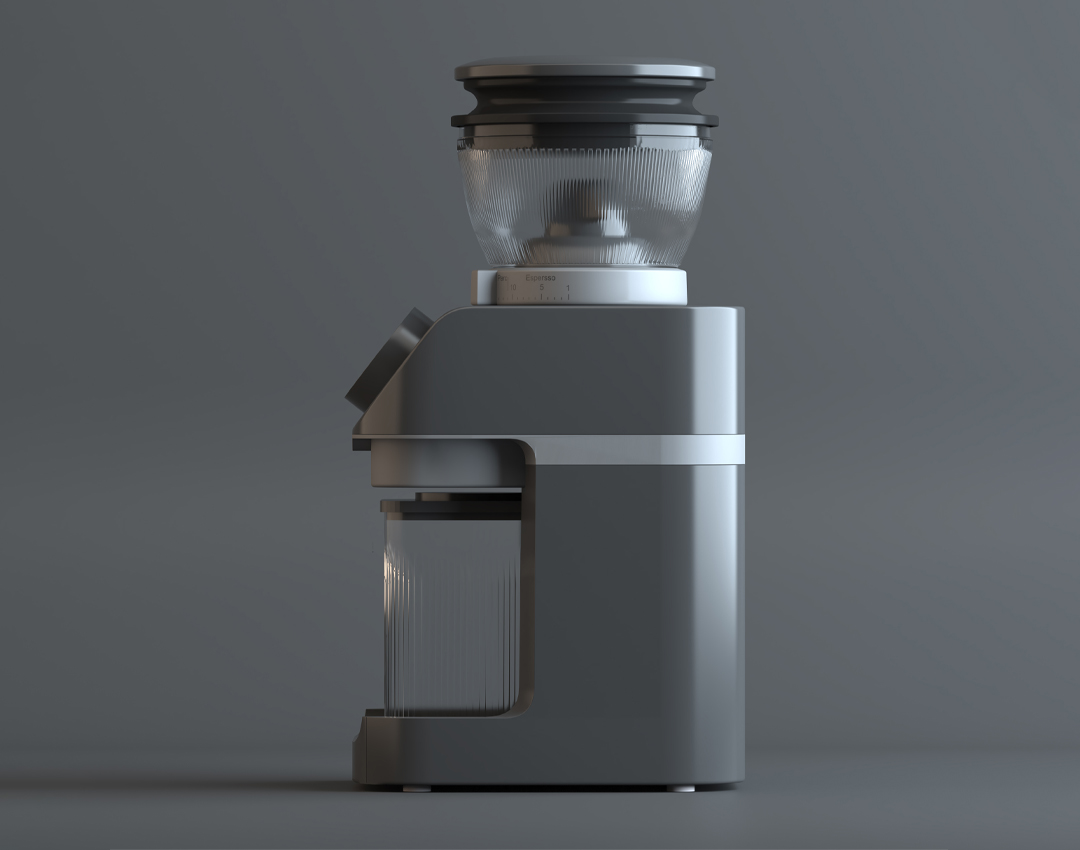
To use the NASA Electric NS-1952 Coffee Grinder properly, first place the appliance on a flat and stable surface. If the blade needs cleaning, remove it by turning it counterclockwise, clean it with the dedicated brush, and reinstall it correctly by aligning the grooves.
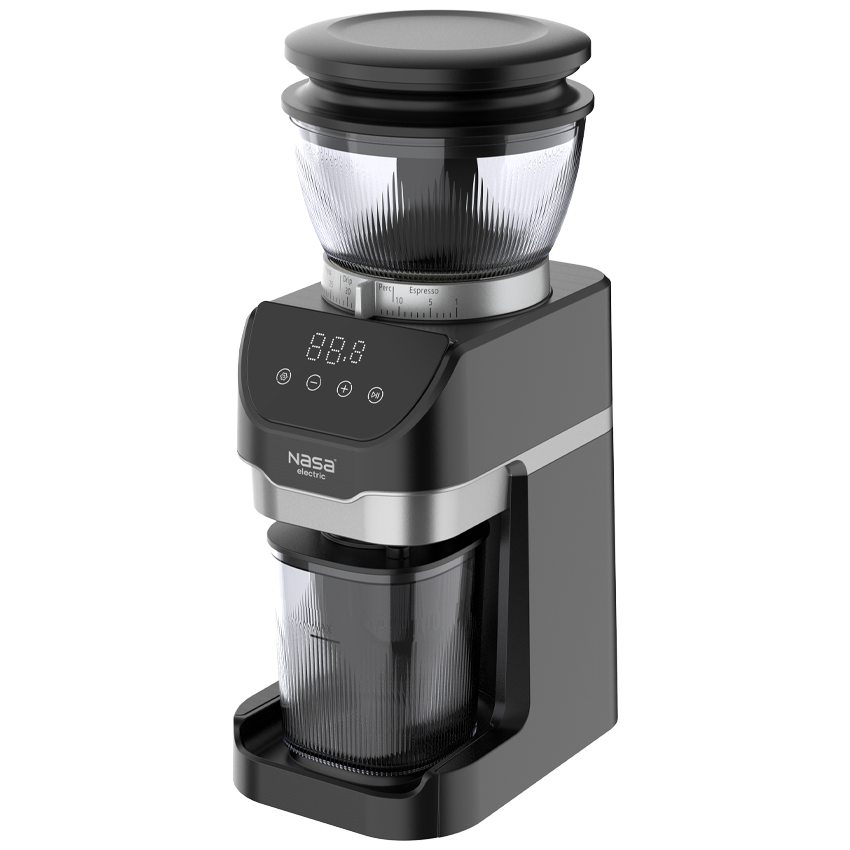
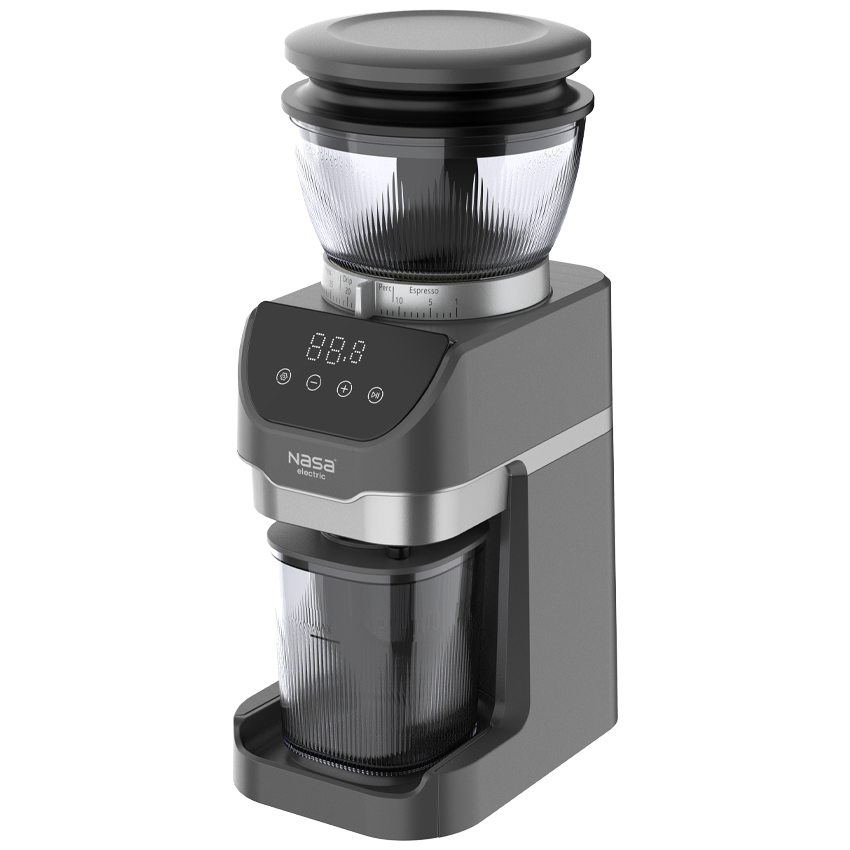
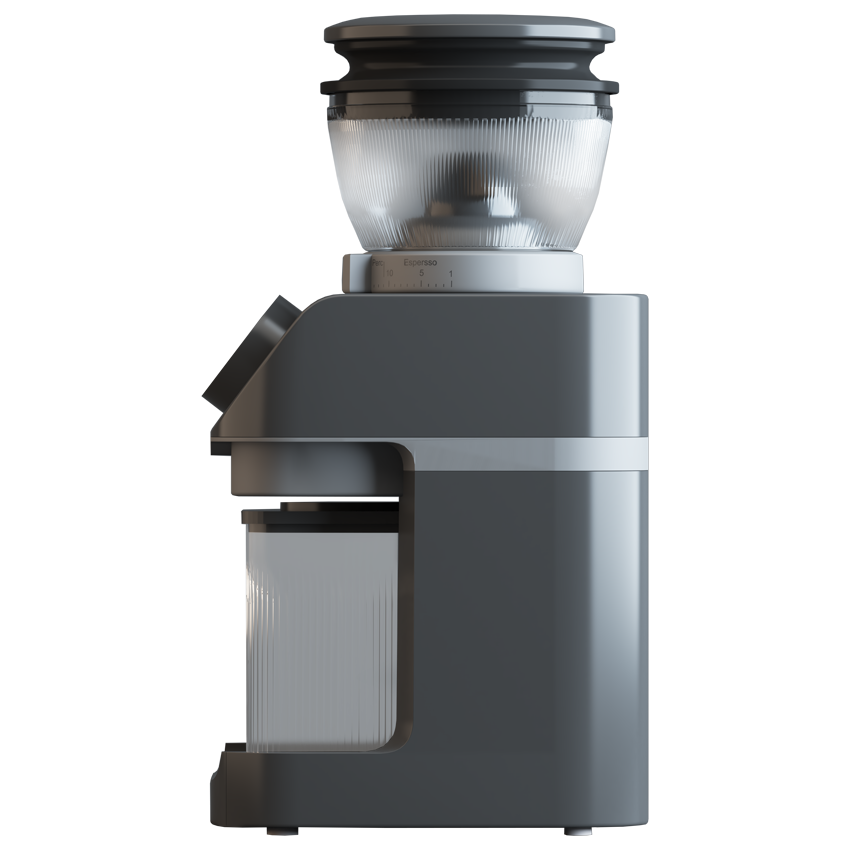
Install the coffee bean hopper and turn the adjustment knob to the “OFF” position to lock it in place; otherwise, the grinder will not operate. Add the desired amount of coffee beans and close the lid. Use the 31-level grinding adjustment system to select the desired coffee powder consistency. Lower levels are suitable for espresso and moka pot, medium levels for filter and brewed coffee, and higher levels for French press and cold brew. Avoid changing the grinding level while the device is operating.
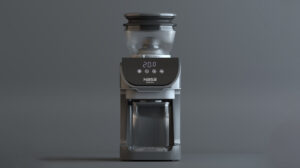
Place the powder container or portafilter correctly under the outlet. After connecting the grinder to power, the display will turn on. Touch the main icon to activate the control panel and adjust the grinding time from 1 to 60 seconds. Start the operation by touching the start icon, and if needed, pause the process or save the selected settings. If the appliance remains unused for 10 minutes, it automatically switches to standby mode.
After use, briefly run the grinder to remove remaining coffee beans, then disconnect the power and remove the components. Clean the blade and outlet path with the brush. Wash plastic parts with lukewarm water and mild detergent, then dry them completely. Clean the main body only with a soft damp cloth and avoid abrasive or strong chemical cleaners.
Warranty & After-Sales Service of NASA Electric NS-1952 Coffee Grinder
The NASA Electric NS-1952 Coffee Grinder comes with a 24-month official warranty and 5 years of after-sales service. To activate the warranty and benefit from official support, send the product’s serial number or tracking code printed on the packaging via SMS to 10008454.
For additional guidance, technical support, and customer service inquiries, NASA Electric experts are available through 021-45114 during working days. This official support ensures customers have access to authentic services, spare parts supply, and professional maintenance.
It is recommended to complete the warranty activation process shortly after purchase to enjoy all available service benefits.



نظرات کاربران