User Guide for the NASA Electric Coffee Grinder NS-1951
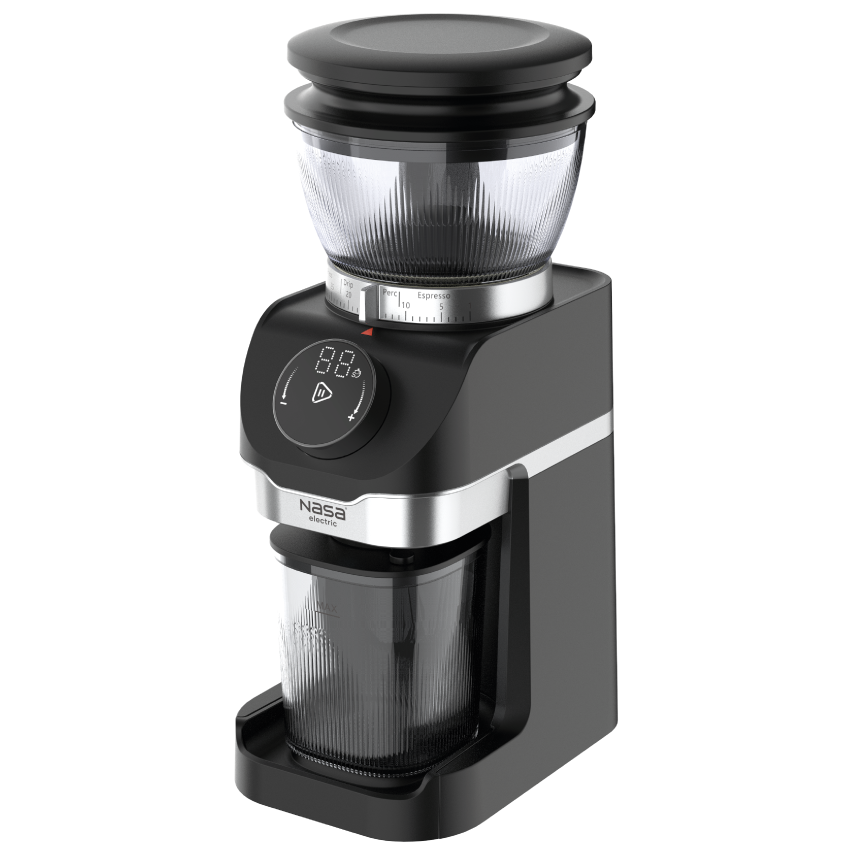
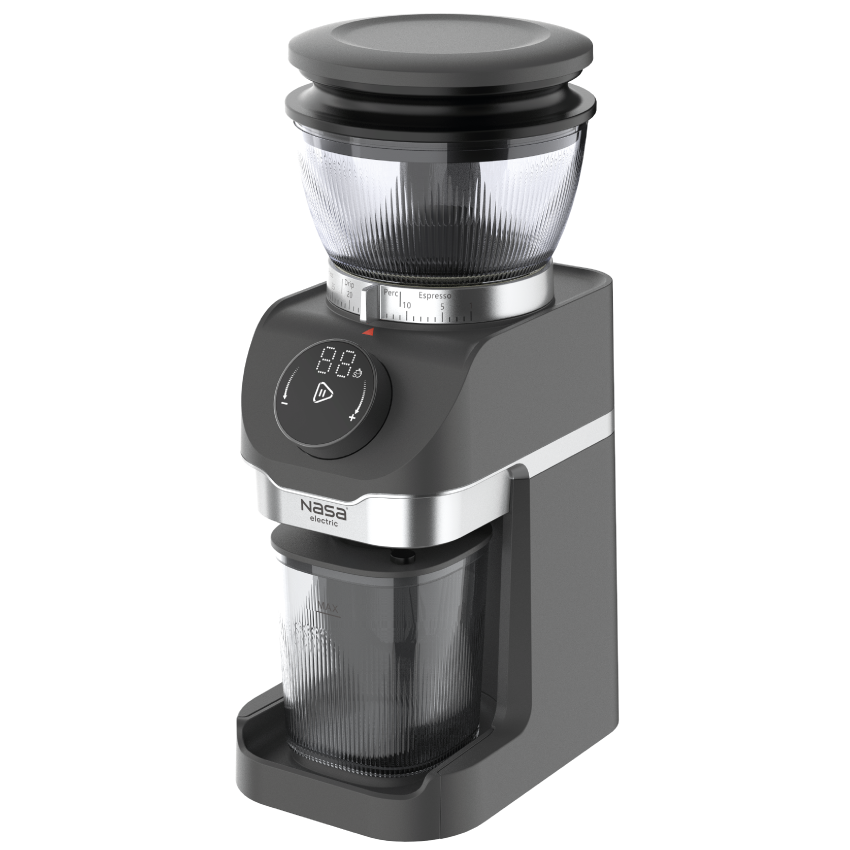
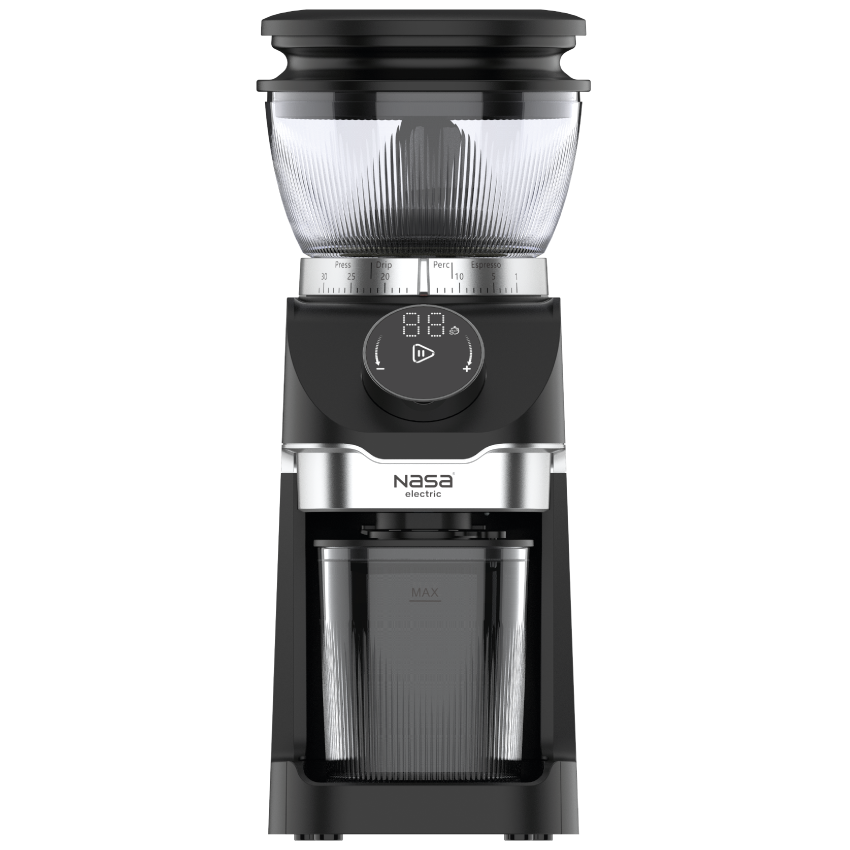
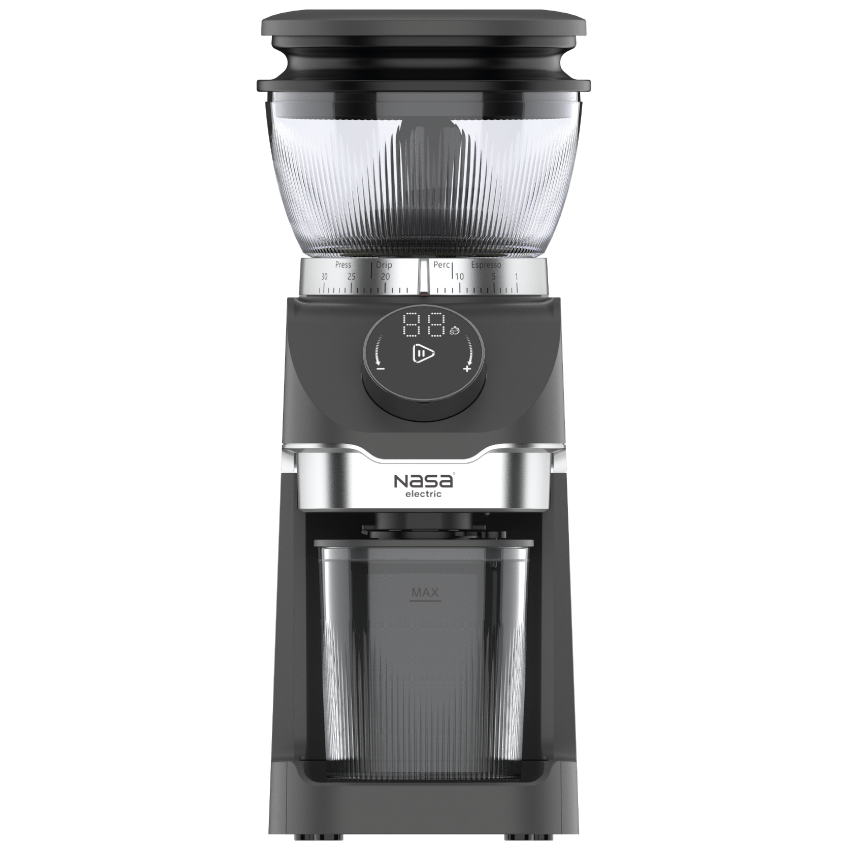
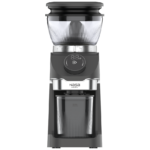
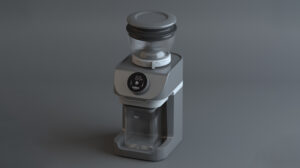
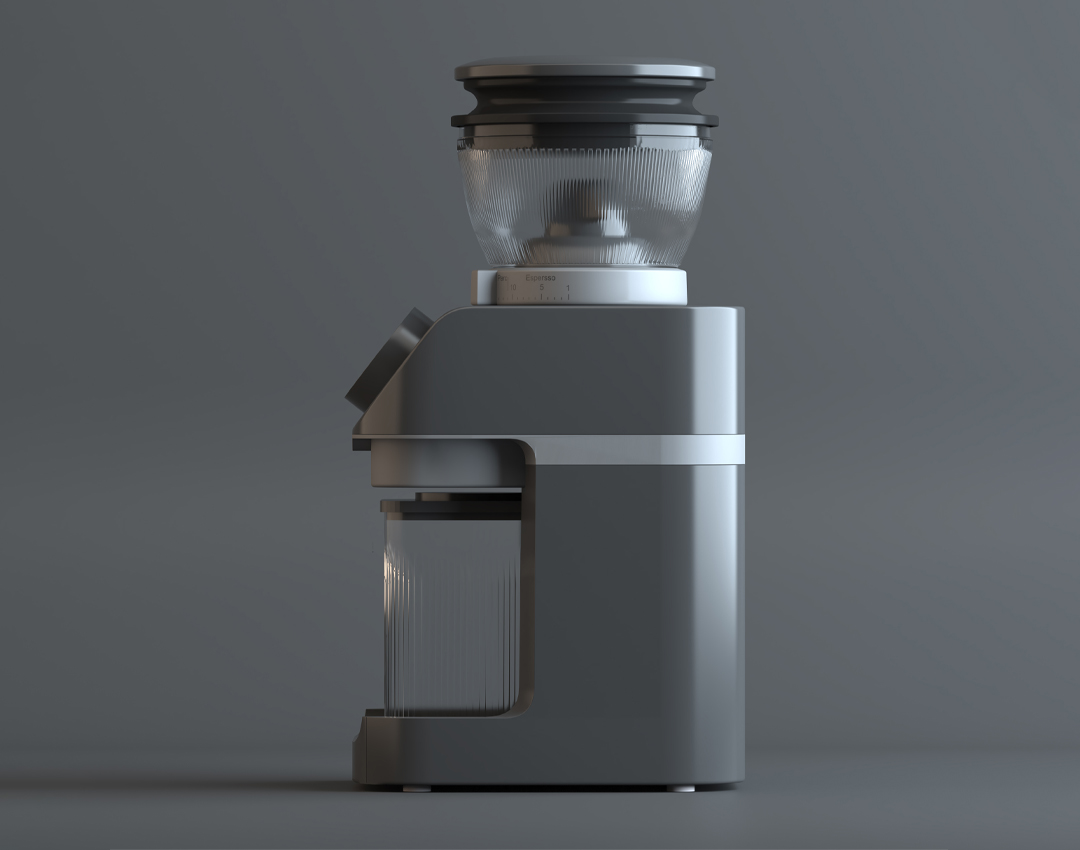
To begin, select a flat and stable surface, and ensure the blade is free of any residual powder or particles before installation. Place the blade into its housing and gently tighten it in a clockwise direction until it is fully secured. Next, position the bean hopper on the base so that its grooves align with the body, and ensure the adjustment screw is in the off position to securely lock the hopper. Add fresh coffee beans to the hopper, then install the blower and the lid. Place the collection tray beneath the powder outlet, along with the dosing container or portafilter holder as needed.
Connect the device to a power source; a beep will indicate that the grinder is in standby mode. To set the grind size, rotate the adjustment base to select the desired particle size; fine grounds are suitable for espresso and moka pots, medium grounds are ideal for filter coffee and pour-over brewing, and coarse grounds are best for French press or cold brew. The grind setting must be adjusted before starting the process and should be avoided during operation.
The amount of coffee can be adjusted by rotating the time dial; turning it towards the positive (+) sign increases the time, while turning it towards the negative (-) sign decreases it. Pressing the dial initiates the grinding process, and pressing it again allows for a manual stop. To turn the device off completely, hold the dial for four seconds. If the machine remains unused for ten minutes, it will automatically enter sleep mode.
Warranty for the NASA Electric Coffee Grinder Model NS-1951
The quality guarantee period for the NASA Electric coffee grinder is 24 months, during which any technical defect or issue is covered by our service support. Furthermore, technical support and after-sales services are available for 5 years to ensure a worry-free user experience and the highest level of satisfaction.
Multiple methods are available to activate your warranty period and benefit from our specialized services. You may send the serial number or tracking code to the SMS number 10008454 to complete the registration process and receive the necessary information. Additionally, direct contact with our support experts is available via phone at 02145114, where they can answer your questions and provide guidance on optimizing the use of our services.
This approach ensures that receiving service is fast, easy, and efficient, allowing you to benefit from specialized support with complete confidence. Our goal is to provide a reliable and professional experience throughout the entire duration of your product’s usage.



نظرات کاربران