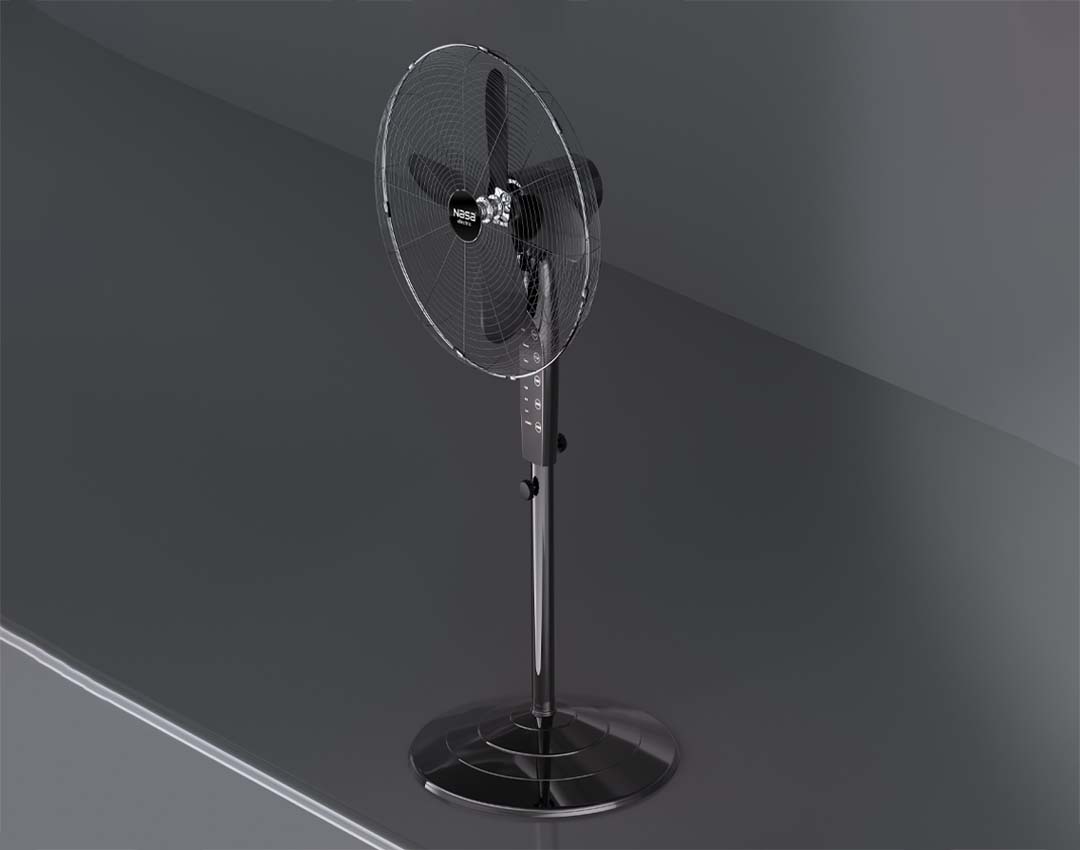
User Guide for NASA Electric NS-1117 Stand Fan
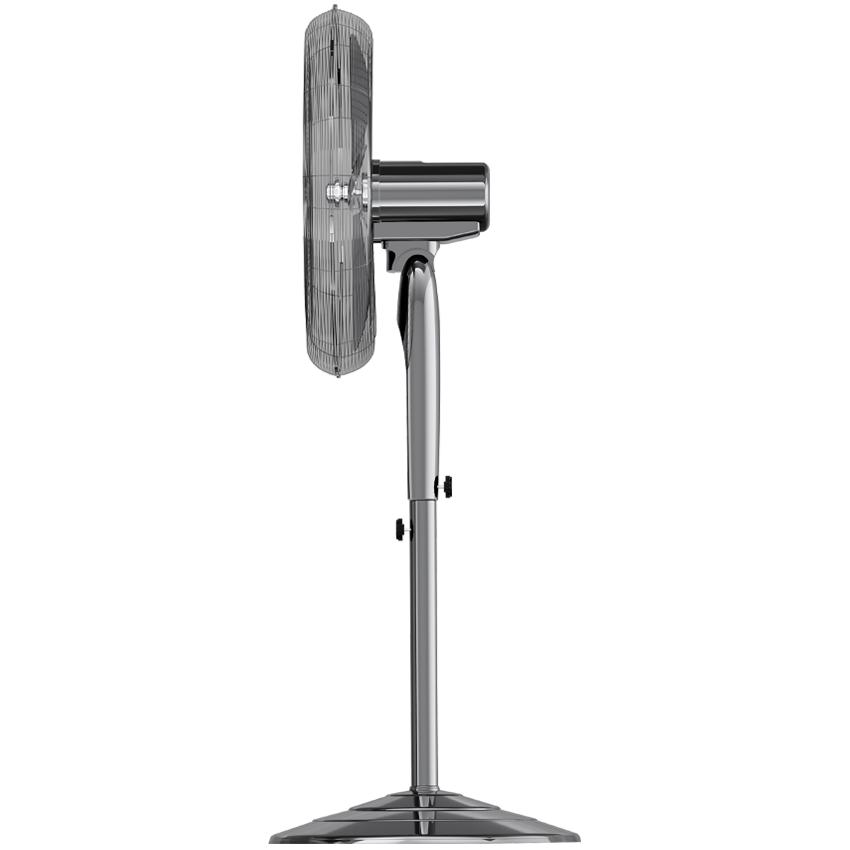
Before operating the NASA Electric NS-1117 Stand Fan, make sure all parts are correctly assembled. Start by installing the base securely, attach the stand pole, adjust the height, and tighten all connections. Then install the fan body, motor grille, and blades, ensuring the front and rear grilles are properly fixed.
For wall installation, first mount the wall bracket securely and follow the assembly steps to connect the fan body and components correctly.
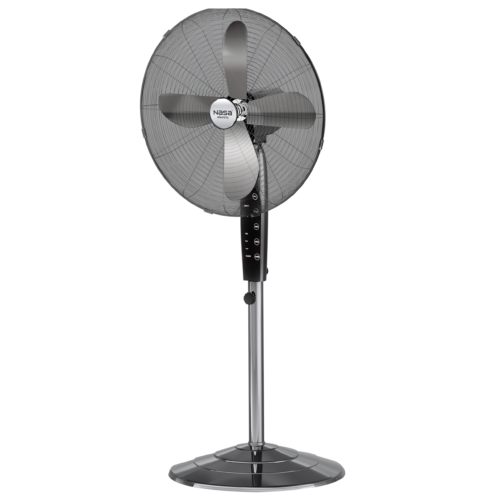
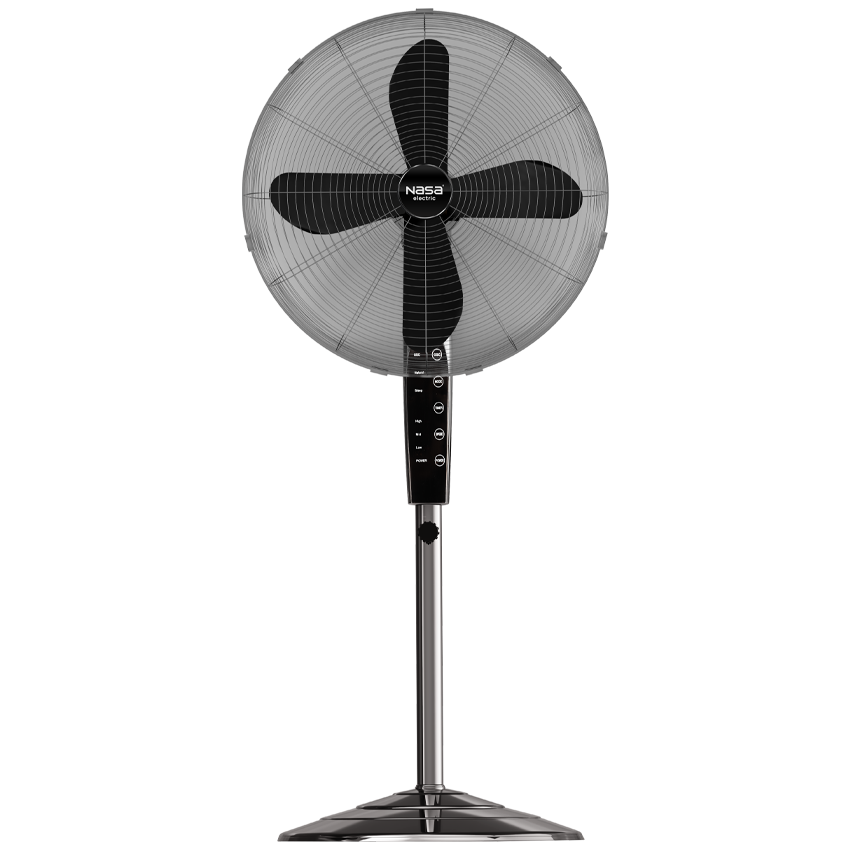
To use the fan, connect the plug to the power outlet and control the device through the touch panel or remote control. You can adjust the airflow with 3 speed levels, activate oscillation for wider air circulation, and select different airflow modes including Normal, Natural, and Sleep. The built-in timer can be set for up to 8 hours.
For maintenance, always unplug the fan before cleaning. Use a soft cloth to clean the body and avoid direct contact with water or strong chemicals. Dust on the grilles can be removed with a vacuum cleaner to maintain airflow efficiency.
After use, store the NASA Electric NS-1117 Fan in a dry place away from moisture to ensure long-lasting performance and reliable operation.
Warranty and Customer Support of NASA Electric NS-1117 Stand Fan
The NASA Electric NS-1117 Stand Fan comes with a 24-month official warranty and 5 years of after-sales service, providing customers with reliable long-term support.
To activate the product warranty, simply send the serial number or tracking code to 10008454 via SMS, or contact NASA Electric customer support at 02145114.
With dedicated after-sales services, users can receive professional assistance, repair support, and technical guidance whenever needed. This simple warranty registration process ensures greater confidence and peace of mind for long-term use of the NASA Electric NS-1117 Stand Fan.



نظرات کاربران