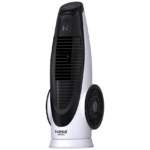
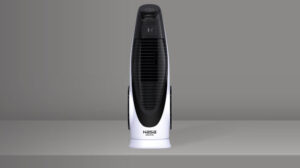
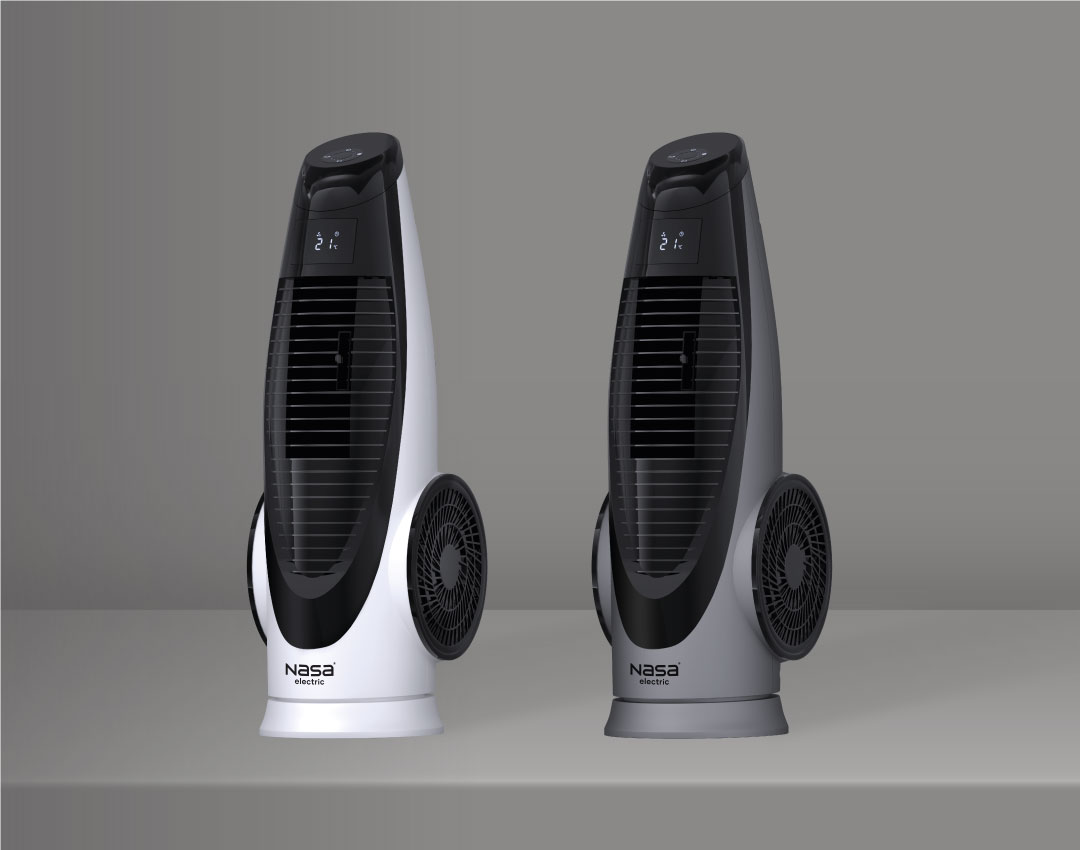
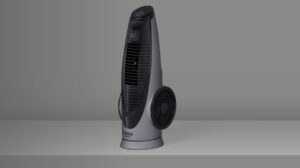
Proper Use & Maintenance Guide for NASA Electric NS-1120 Fan
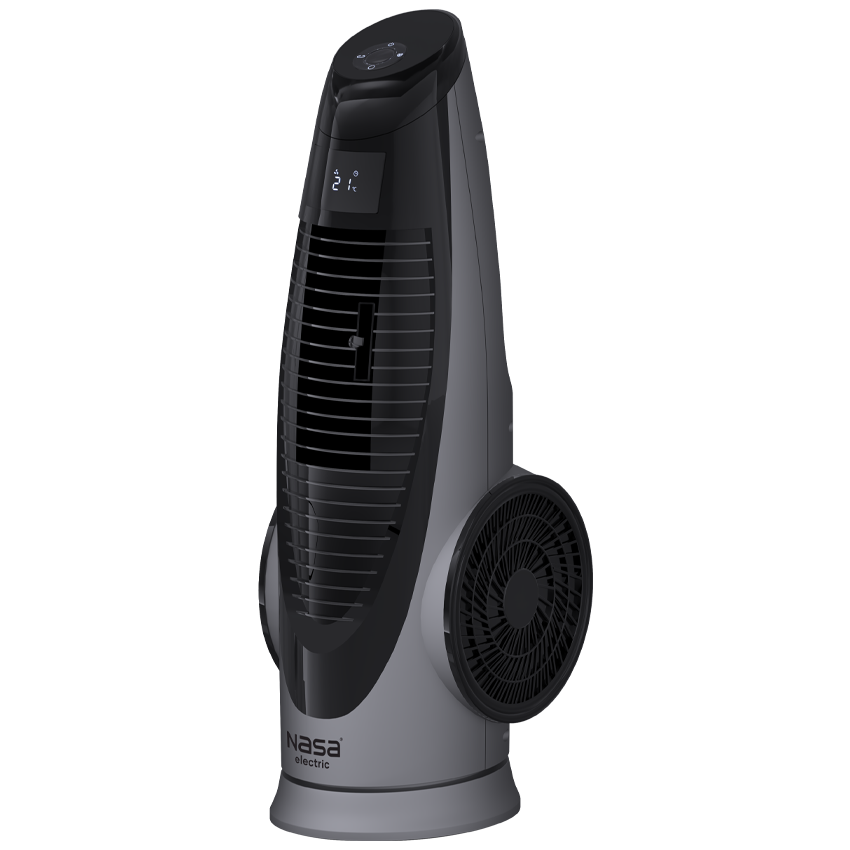
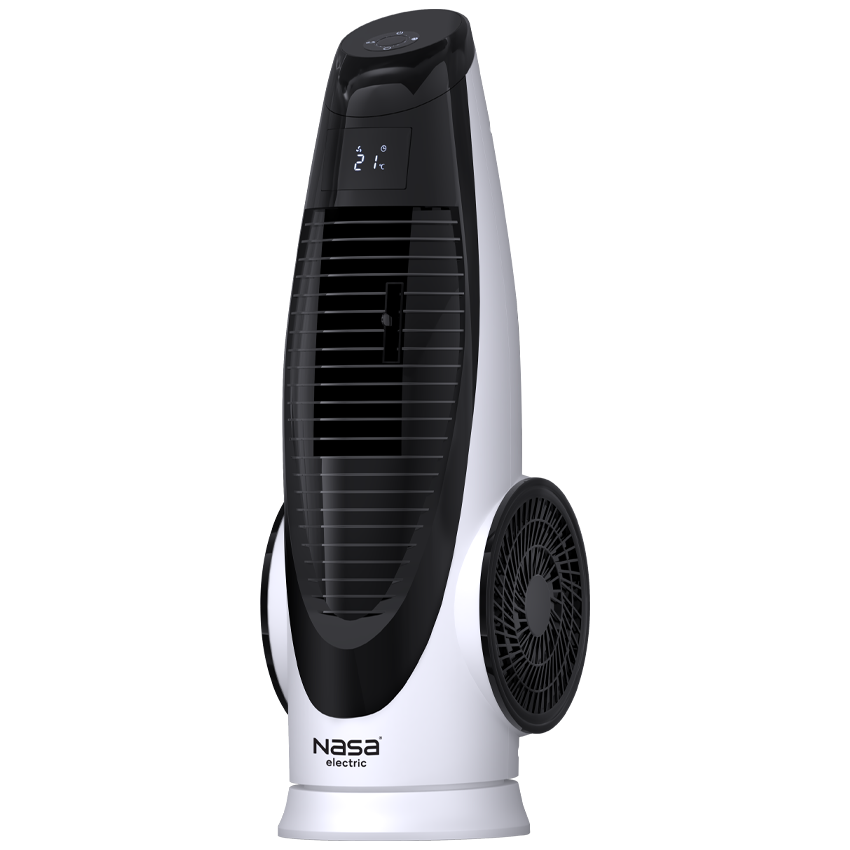
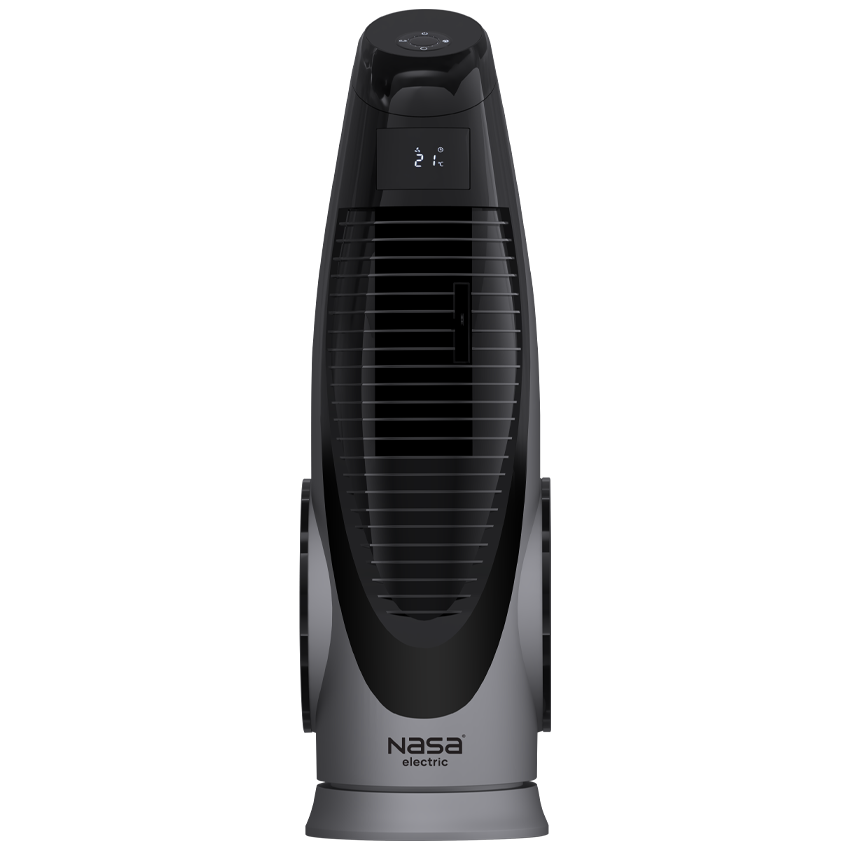
To start using the NASA Electric NS-1120 Fan, place the device on a flat and stable surface. After connecting it to the power supply, press the Power button to begin operation at a low speed.
For better airflow performance, keep the fan at least 10 cm away from walls and avoid blocking the air intake and outlet areas. To clean the body, use only a soft, damp cloth and avoid direct contact with water or chemical cleaners.
Since the fan features air intake openings without filters, it is recommended to regularly remove dust from the vents using a vacuum cleaner. Proper maintenance helps maintain optimal airflow and extends the device’s service life.
NASA Electric NS-1120 Troubleshooting Guide
| Possible Issue |
Possible Cause |
Recommended Solution |
| Fan does not turn on |
Incorrect power connection or damaged cable |
Check the power plug and the **185 cm power cable** connection. |
| No airflow produced |
Blocked air intake openings |
Inspect and clean the **two air intake vents** to remove dust or obstructions. |
| Remote control not working |
Weak battery or excessive distance |
Replace the **3V CR2025 battery** and use the remote within a distance of **less than 6 meters**. |
| Vibration or unusual noise |
Uneven placement surface |
Place the fan on a completely flat and stable surface. |



نظرات کاربران