Timer Function and Operating Time Management
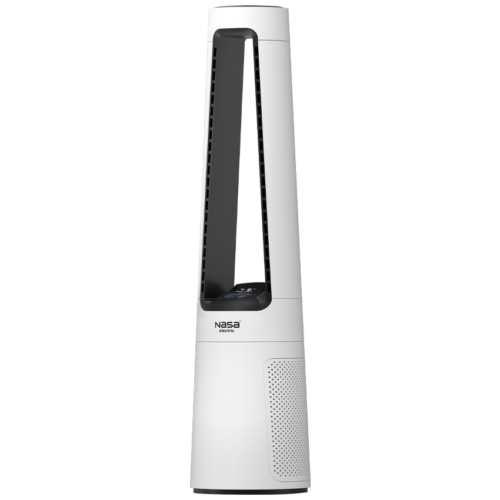
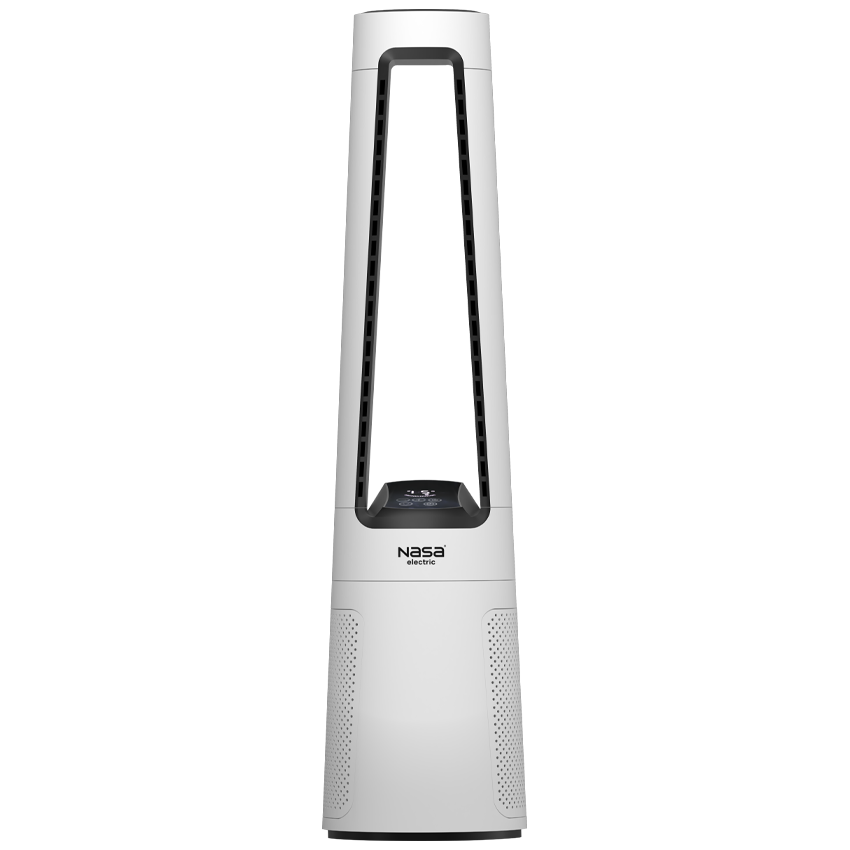
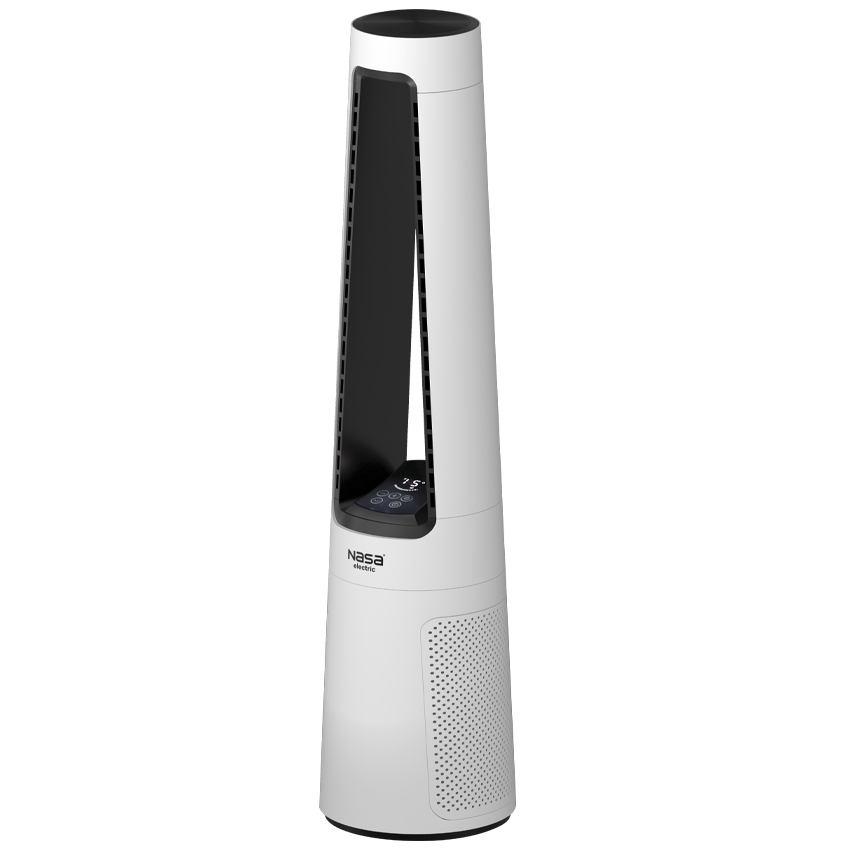
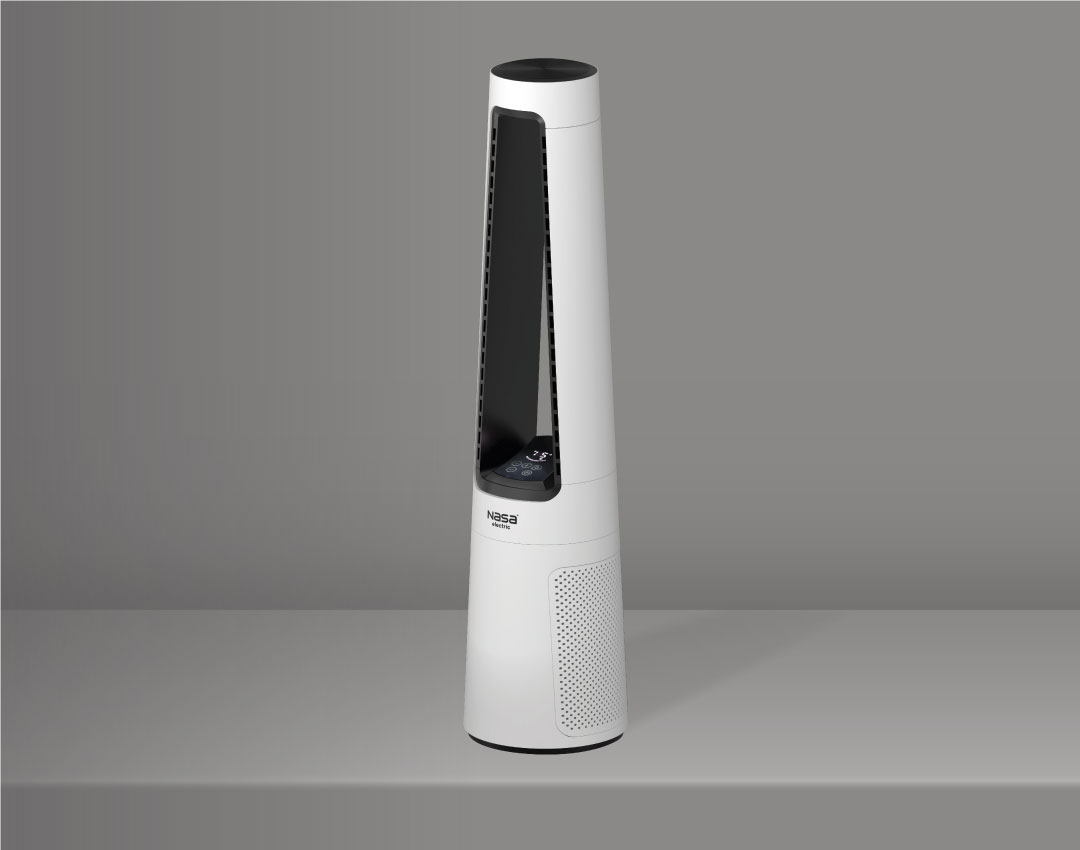
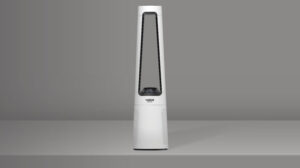
The NASA Electric NS-1121 Bladeless Fan is equipped with a 1 to 12-hour digital timer, allowing users to set the automatic shutdown time in advance. This feature is especially useful during nighttime use, helping provide comfortable cooling while saving energy.
NASA Electric NS-1121 Fan User Guide
To use the device, place the fan on a flat and stable surface and connect it to the power supply. Turn it on using the touch panel or remote control, then adjust the wind speed, airflow mode, and timer settings according to your needs.
For optimal performance, keep the fan at least 10 cm away from walls or obstacles to ensure proper airflow circulation and efficient cooling.
| NS-1121 Standing Fan Troubleshooting Guide |
| Issue |
Potential Cause |
Solution |
| Fan does not turn on |
Power plug not connected properly.
Electrical outlet faulty. |
Ensure the plug is securely connected.
Check the electrical outlet. |
| Device is on but no airflow |
Speed set to minimum.
Obstruction in air intake or outlet. |
Increase the device speed.
Inspect and clean air vents of dust and obstructions. |
| Remote control not working |
Battery installed incorrectly.
Battery is weak or dead.
Excessive distance or obstacle in path. |
Install battery with correct polarity.
Replace the battery.
Use at an appropriate distance without obstacles. |
| Oscillation not working |
Obstruction in the path of movement. |
Turn off the device and clear any obstructions around it. |
| Abnormal noise and vibration |
Device placed on an uneven surface.
Dust buildup inside the vents. |
Place the device on a flat and stable surface.
Clean the vents. |
Maintenance and Cleaning of NASA Electric NS-1121 Fan
To maintain the optimal performance of the NASA Electric NS-1121 Bladeless Fan, regularly clean the air inlets and filters to prevent dust buildup and ensure efficient airflow.
For cleaning the body, use a soft, slightly damp cloth and avoid allowing water to enter the internal components. Before moving or cleaning the device, always turn off the fan and unplug it from the power outlet to ensure safe operation.
Proper maintenance helps extend the lifespan of the fan and keeps its cooling performance at the best level.



نظرات کاربران