How to Use the NASA Electric NS-68 Steam Iron
To use the NASA Electric NS-68 Steam Iron correctly and safely, follow the instructions below.
1. Prepare the Iron
Place the appliance on a flat, stable, heat-resistant surface. During initial use, a small amount of steam or an unusual odour may occur. Before ironing important garments, test the appliance on a piece of fabric that is not needed.
2. Fill the Water Tank
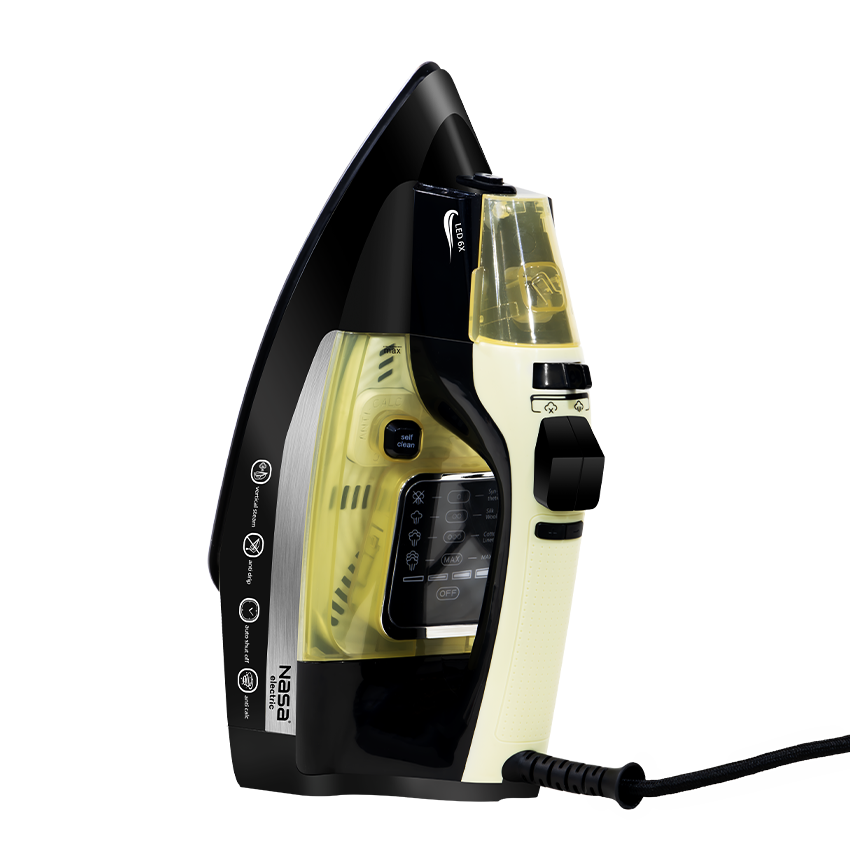
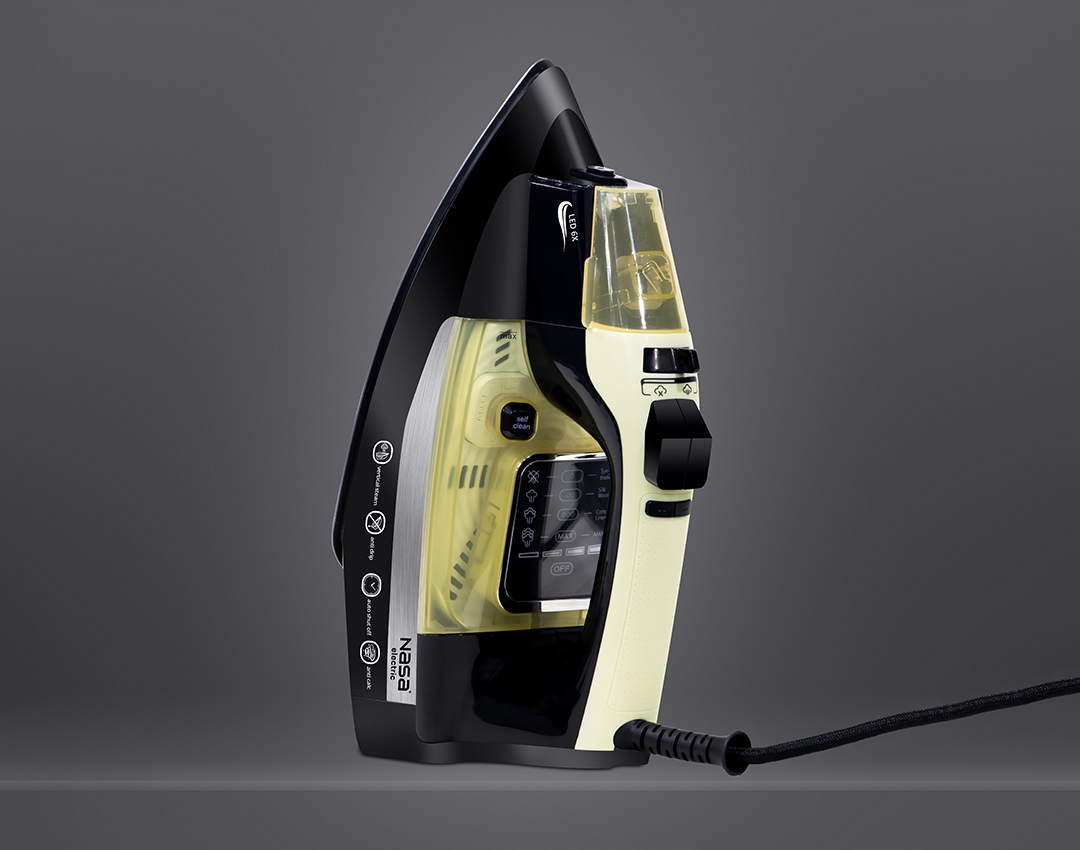
Before connecting the appliance to the mains power supply, set the steam control to the off position. Fill the water tank with purified water up to the MAX marking, then close the water tank cover securely.
3. Connect the Appliance
Plug the iron into a compatible electrical outlet.
4. Select the Appropriate Temperature
Adjust the temperature according to the fabric being ironed. For example, use a lower temperature for synthetic fibres and a higher temperature for cotton, following the garment’s care instructions.
5. Allow the Iron to Heat Up
During heating, the LED indicator flashes. Once the indicator becomes steady, the appliance is ready for ironing.
6. Use the Steam Functions
The steam function operates when the iron is in a horizontal position. For deeper wrinkles, use the steam burst control to release an additional burst of steam.
7. Use the Water Spray Function
The water spray function can be used to moisten fabric when necessary. Avoid using the spray function on delicate fabrics, such as silk, as indicated in the product instructions.
8. Use the Front LED Light
The front LED light can help improve visibility during ironing. Switch it on when additional illumination is needed.
9. Finish Ironing
After ironing, disconnect the appliance from the mains power supply and empty the water tank.
10. Use the Self-cleaning Function
To carry out self-cleaning, heat the appliance as directed in the product instructions and activate the self-cleaning system to help remove accumulated impurities. Follow the appliance’s prescribed self-cleaning procedure to reduce the risk of contact with hot water or steam.
11. Clean the Soleplate
Avoid exposing the electrical components to water. After the soleplate has cooled, wipe it with a suitable cloth to remove surface residue.
12. Prevent Fabric Damage and Burns
Do not leave the heated soleplate in one position on the fabric for an extended period. Always select a suitable temperature according to the fabric type to reduce the risk of scorching or damage.
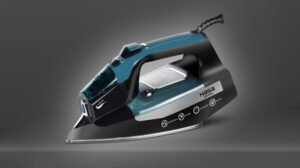
NASA Electric NS-68 Warranty and After-Sales Service
The NASA Electric NS-68 Steam Iron comes with a 24-month warranty and 5 years of after-sales service. If the appliance develops a fault, becomes damaged or shows signs of malfunction, stop using it immediately.
For technical assistance or repair enquiries, contact the NASA Electric After-Sales Service Centre on 02145114 or arrange for the product to be examined by an authorised service representative. If any component requires inspection or replacement, do not attempt to replace or repair it yourself. Contact the authorised service team to ensure that appropriate original parts are used. These precautions help maintain the safety and proper operation of the appliance. NASA Electric provides after-sales support and access to genuine replacement parts to help customers maintain their appliances and use them with greater confidence.






نظرات کاربران