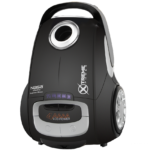
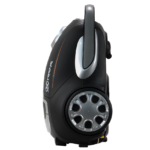
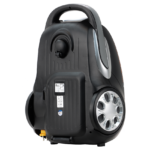
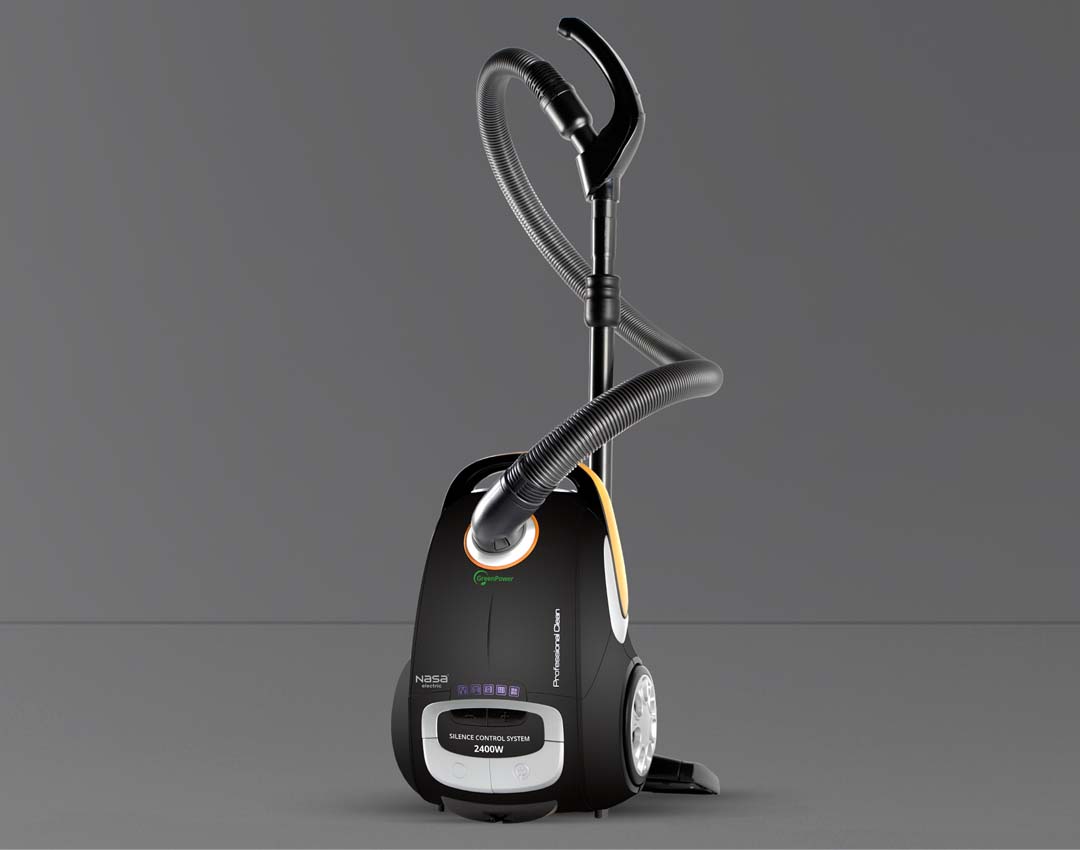
User Guide for the NASA Electric NS-9096A Vacuum Cleaner
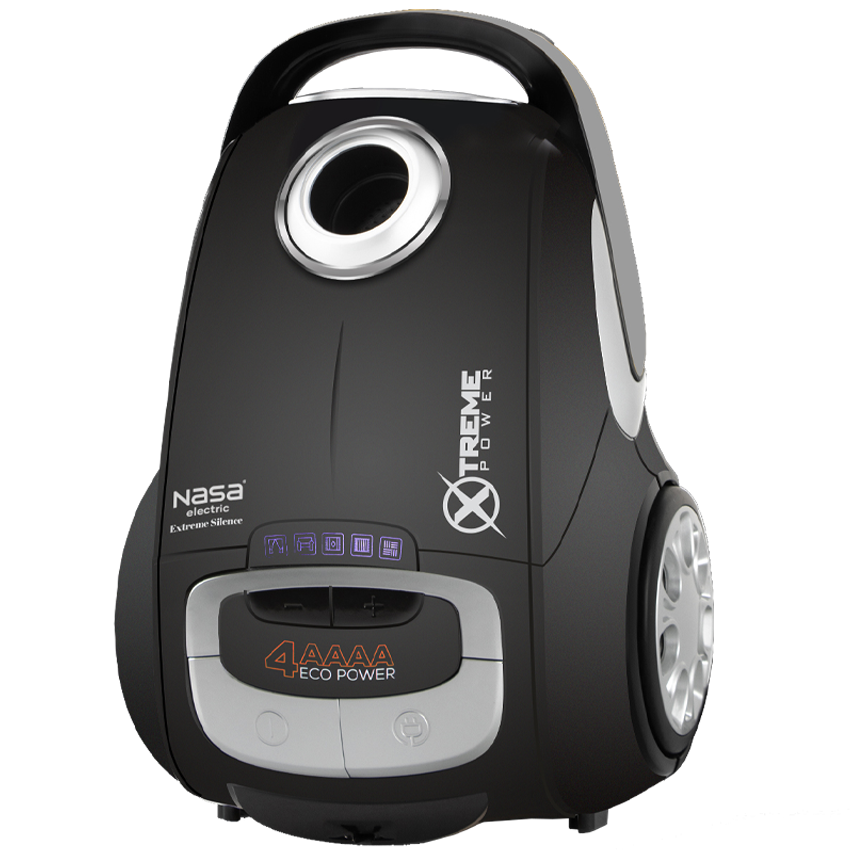
To get the best performance from the NASA Electric NS-9096A Vacuum Cleaner, first make sure that the dust bag and filters are correctly installed. Attach the hose to the device until you hear the locking sound.
The adjustable telescopic tube and different cleaning brushes allow you to clean various surfaces. Use the dusting brush for curtains and delicate areas, and the corner tool for narrow spaces. Connect the appliance to the power supply and adjust the suction level according to the surface type.
The recommended continuous operation time is about 7 minutes, after which the device should be allowed to rest. After cleaning, press the automatic cord rewind button to safely store the cable.
If the red indicator light turns on, the dust bag should be emptied or replaced. Clean or replace the HEPA filter and motor filter regularly to maintain suction power and performance.
For storage and maintenance, ensure that all parts and the body of the vacuum cleaner are completely dry, and never operate the device without filters. Proper care helps maintain the efficiency and long-term durability of the NASA Electric NS-9096A Vacuum Cleaner.
Warranty and After-Sales Service of the NASA Electric NS-9096A Vacuum Cleaner
The NASA Electric NS-9096A Vacuum Cleaner comes with a reliable 24-month warranty and 5 years of after-sales service to provide customers with peace of mind.
For more information about warranty terms and activation procedures, refer to the warranty section at the end of the product manual. You can also contact the NASA Electric customer service center at 02145114 for further guidance and support.
With professional after-sales services, NASA Electric aims to ensure customer satisfaction and provide timely assistance in case of any technical issues or service requirements. The warranty and support coverage offer a secure and confident purchasing experience.



User Comments